EXPLAB AI Co-pilot
An embedded AI assistant that helps teams interpret experiment results, validate insights, and decide what to explore next — directly within the analytics workflow.
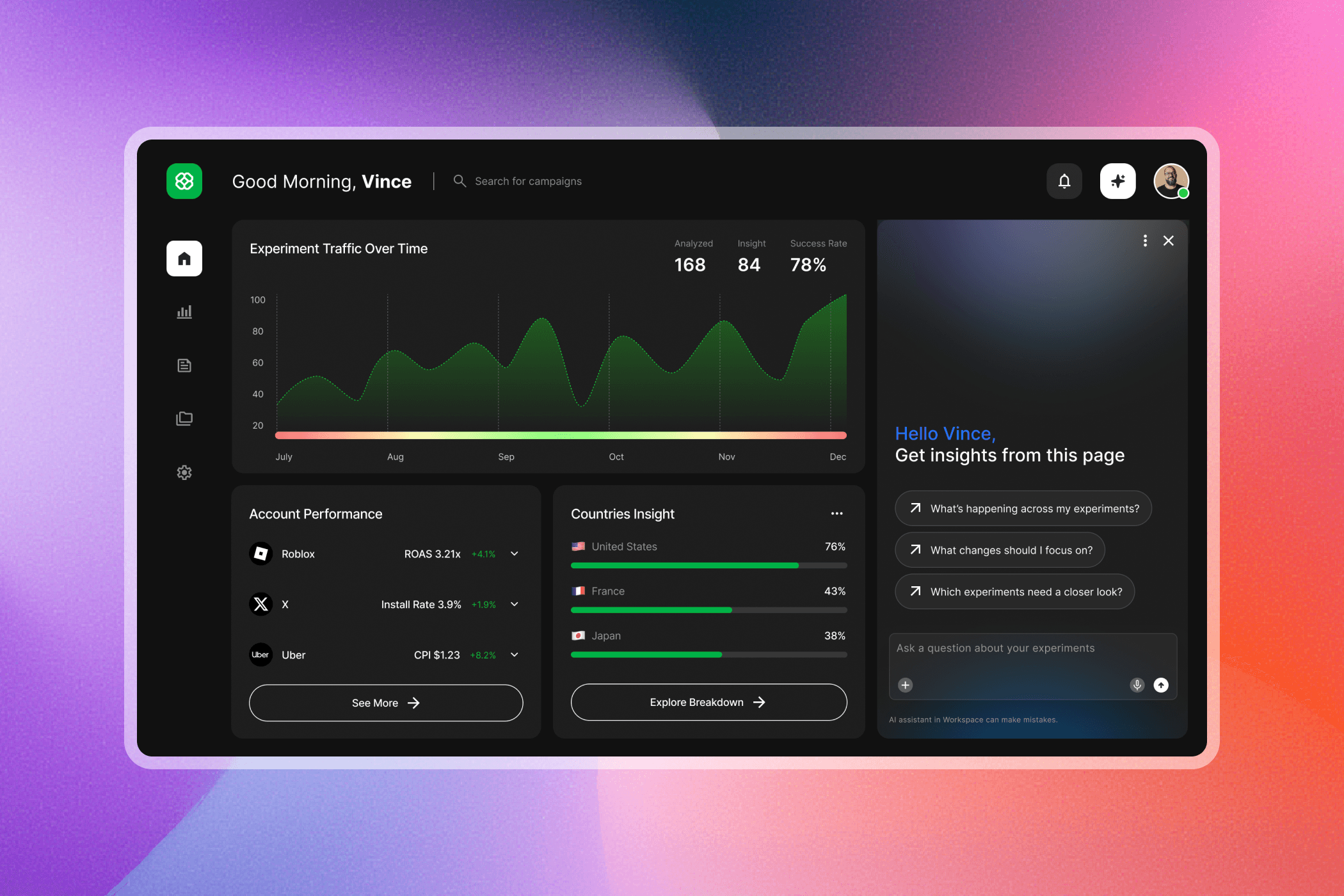
EXPLAB is an internal experimentation platform used daily by engineers and data scientists to evaluate experiment performance across multiple metrics and views. I designed an embedded AI co-pilot that helps users quickly interpret results, validate insights against data, and decide what to explore next—directly within the analytics workflow.
Role:
UX Designer
Collaboration:
PM, Data Science, Engineering
Timeline:
6 month
Audience Appeal
This assistant is designed for engineers and data scientists who work with complex experiment dashboards and need to quickly understand performance, validate insights, and decide what to explore next. By staying embedded and explainable, it supports different levels of analytical confidence without disrupting existing workflows.
Final Peek
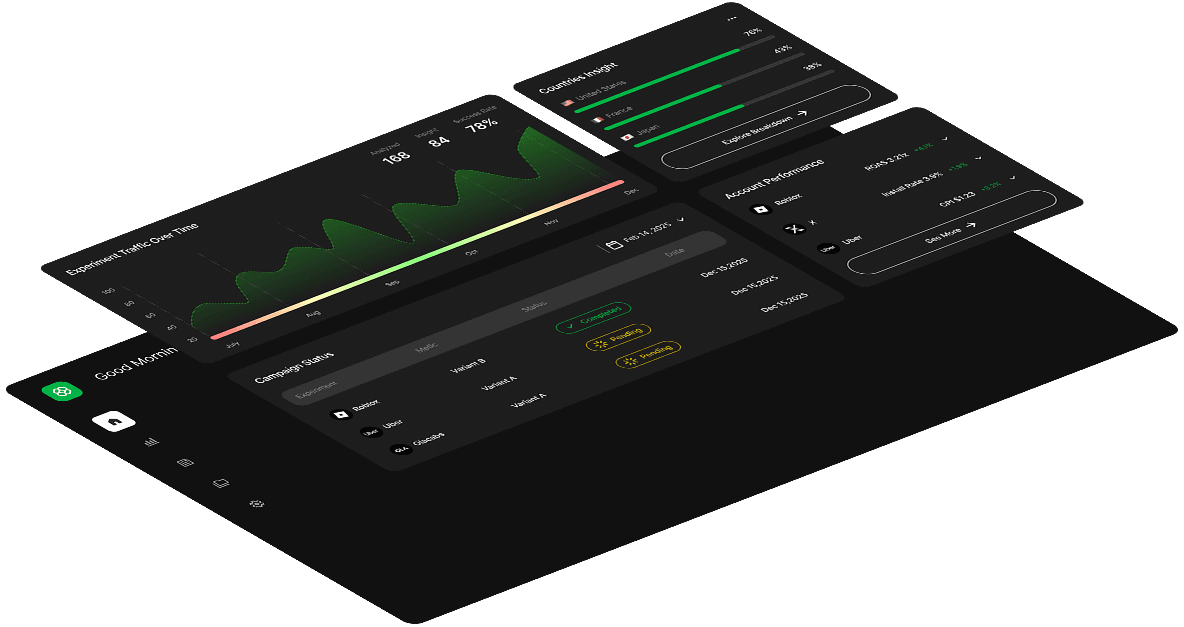
The AI co-pilot lives alongside existing charts, offering page-aware insights, guided follow-up actions, and explainable links back to underlying data—without disrupting analysis.
The Problem
Charts showed what happened, but understanding why required users to manually connect metrics across multiple views. Interpreting results often meant scanning dashboards, switching tabs, and second-guessing whether a pattern was meaningful.
The core challenge wasn’t access to data. It was reducing cognitive load and uncertainty during interpretation.
Key Research Insight
Users are capable of asking questions, but in complex dashboards they often struggle to know where to start, which questions actually matter, and whether AI-generated outputs can be trusted. Effective AI support in analytics should guide sense-making and decision confidence—without replacing user judgment.

Research showed that users aren’t blocked by asking questions, but by knowing where to start inside dense experiment dashboards.
The assistant is embedded directly on the page and opens with context-aware suggested prompts, reflecting the most common analytical intents. This removes the blank state, shortens time to first insight, and helps users quickly orient themselves without breaking their workflow.

Context-aware prompts
Rather than treating prompts as static shortcuts, the assistant continuously adapts its suggested prompts and quick tips based on the user’s most recent selections or open-ended inputs.
Each interaction updates the available next steps—helping users progress from high-level exploration to more focused analysis without needing to reframe their intent or start over. This guided progression keeps users oriented, reduces cognitive load, and maintains momentum as their questions evolve.
Building Trust
While AI can surface insights quickly, users need confidence in where those insights come from.
Each response is grounded in the underlying data through direct references and View data links, allowing users to trace conclusions back to their original sources and understand how insights are formed.

Supporting Iteration
Insights rarely end at the first answer.
One-click regeneration enables fast refinement, supporting iterative sense-making without forcing users to restart, re-prompt, or re-navigate—so users can explore, adjust, and evolve their thinking fluidly within the same context.

Design System
The assistant interface follows the existing design system to maintain visual consistency with the rest of the platform.
Colors, typography, spacing, and components are reused from the system to ensure the assistant feels native to the product.
A few subtle visual treatments were introduced to help distinguish the assistant as an interactive layer while still aligning with the overall system.
Why This Works
Clear, instructional headline
Reduces hesitation and sets expectations
Intent-led suggested prompts
Align with common analytical needs
Explainable data links
Make insights verifiable and trustworthy
Compact, non-intrusive layout
Preserves chart readability and focus
Iteration
Early explorations tested open-ended chat and generic AI entry points. Through iteration, the design shifted toward stronger page awareness, more opinionated starting prompts, and tighter visual integration with charts. Each step reduced cognitive load and increased user confidence during analysis.
Impact
45%
faster insight interpretation
65%
success on first interaction
40%
fewer exploratory steps
30%
less time validating insights
Reflection
If extended further, I’d explore adaptive suggestions based on user role and deeper validation around how much automation users are comfortable with in high-impact analytical decisions.